Step 1
Click on "New Upload" in the top right corner.
BERD@NFDI provides you with a platform to easily store, archive, and share your data from funded research projects (e.g., DFG projects) and thereby comply to your funding institutions requirements for storing and archiving data.
Before upload, please consult BERD‘s interactive Virtual Assistant (iVA) to find out if your data needs to comply with the GDPR. For more details, please see our Terms of Use.
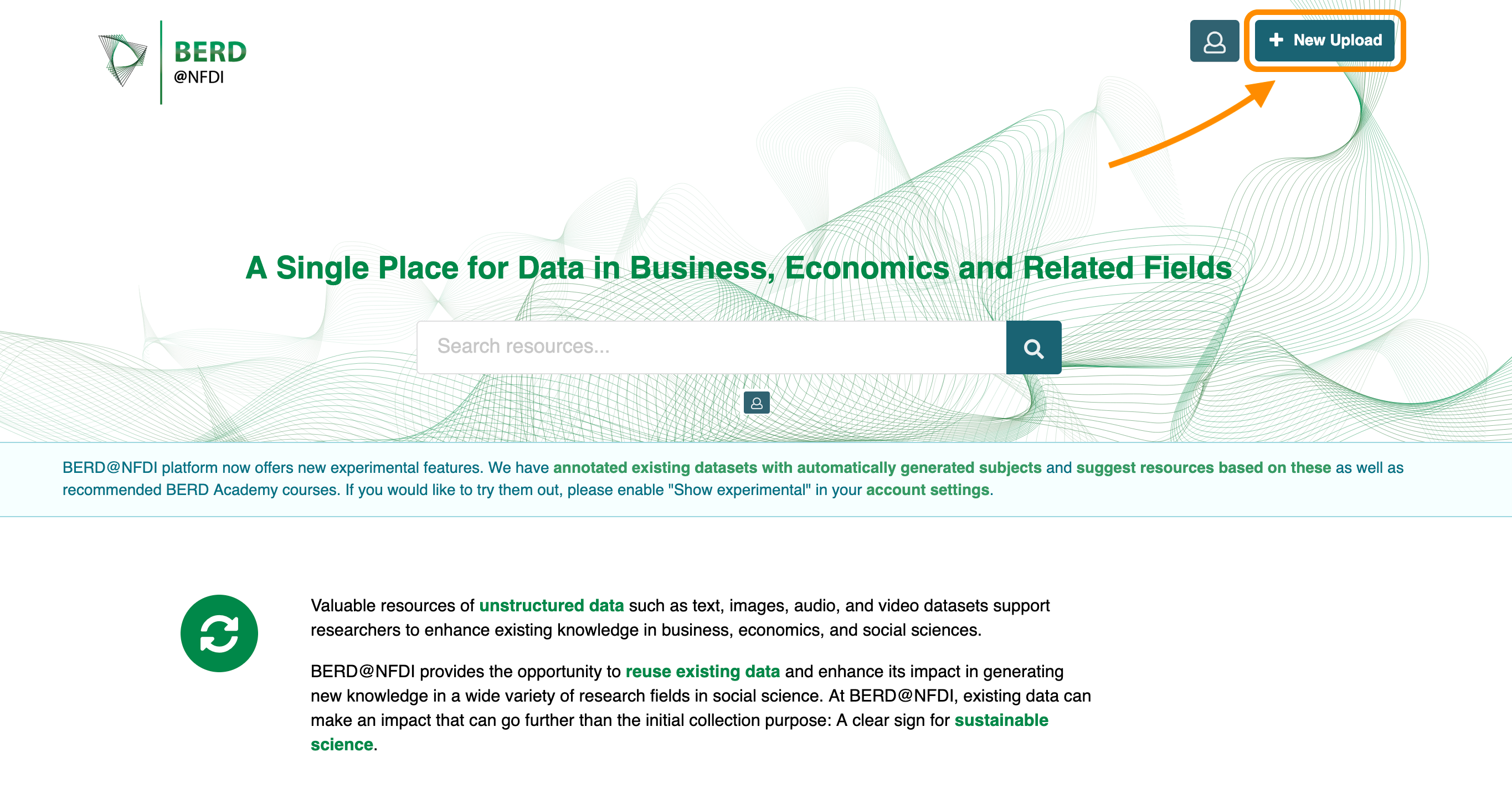
Click on "New Upload" in the top right corner.
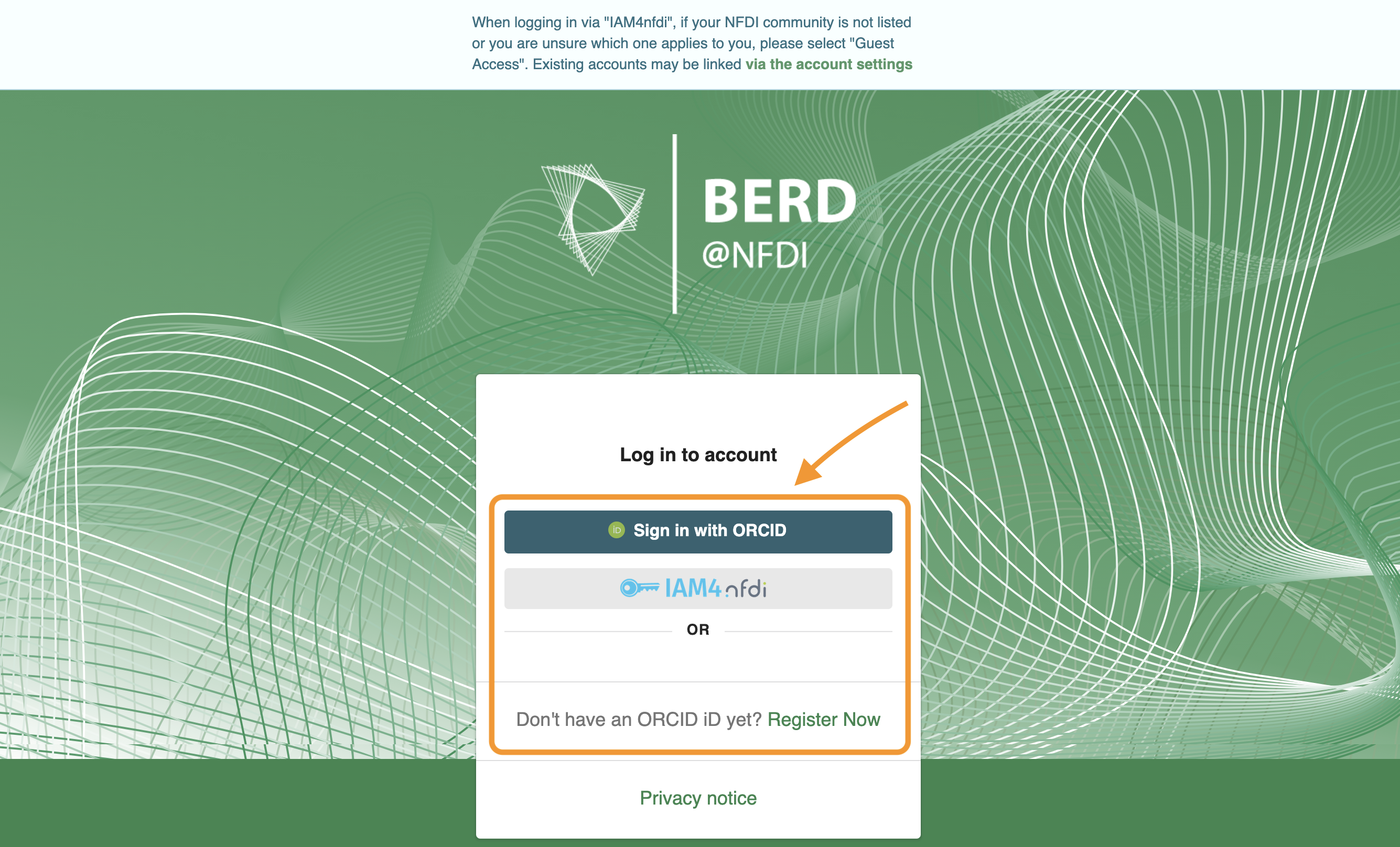
Log in or register on our platform.
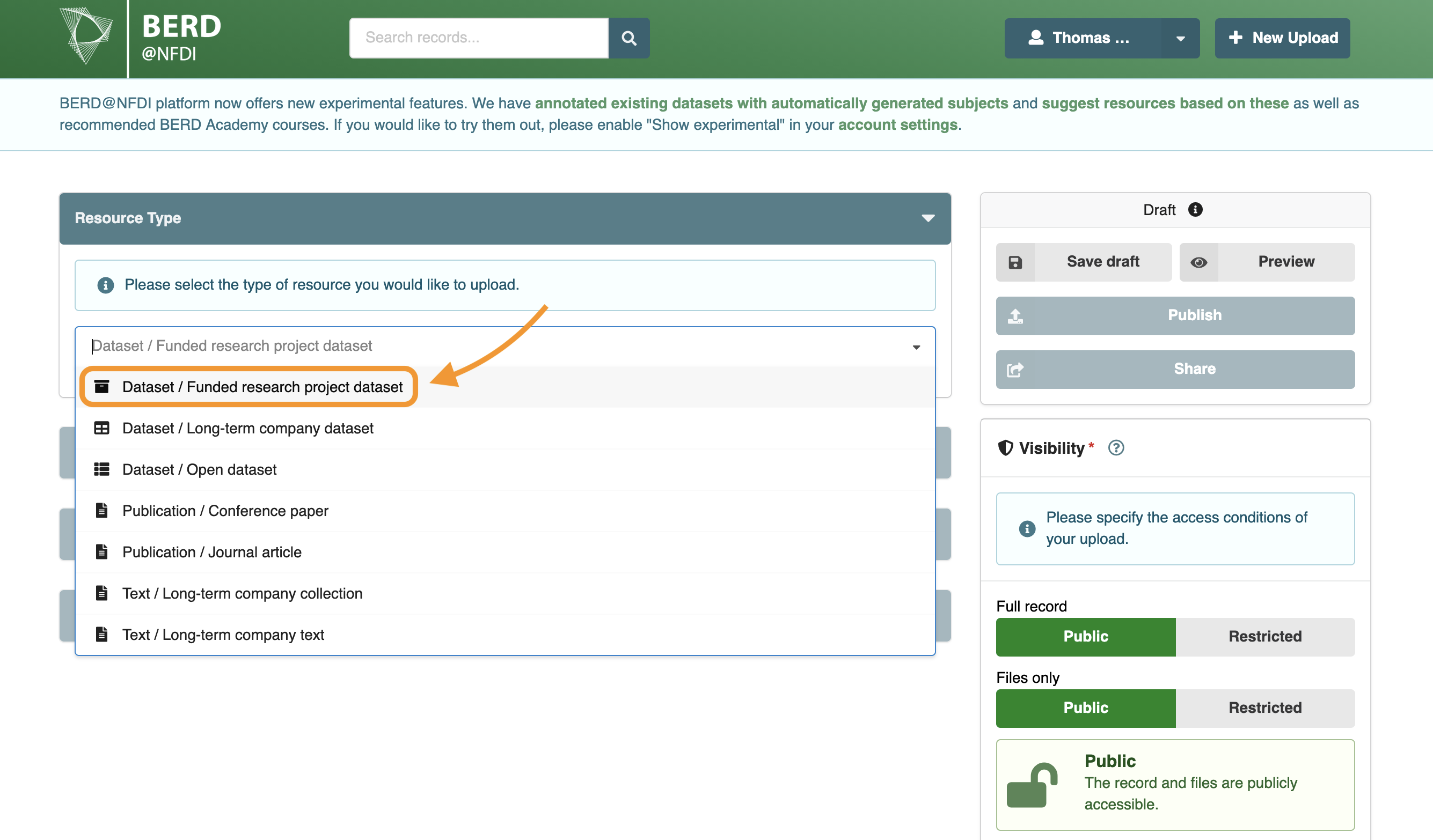
Select "Dataset / Funded research project dataset".
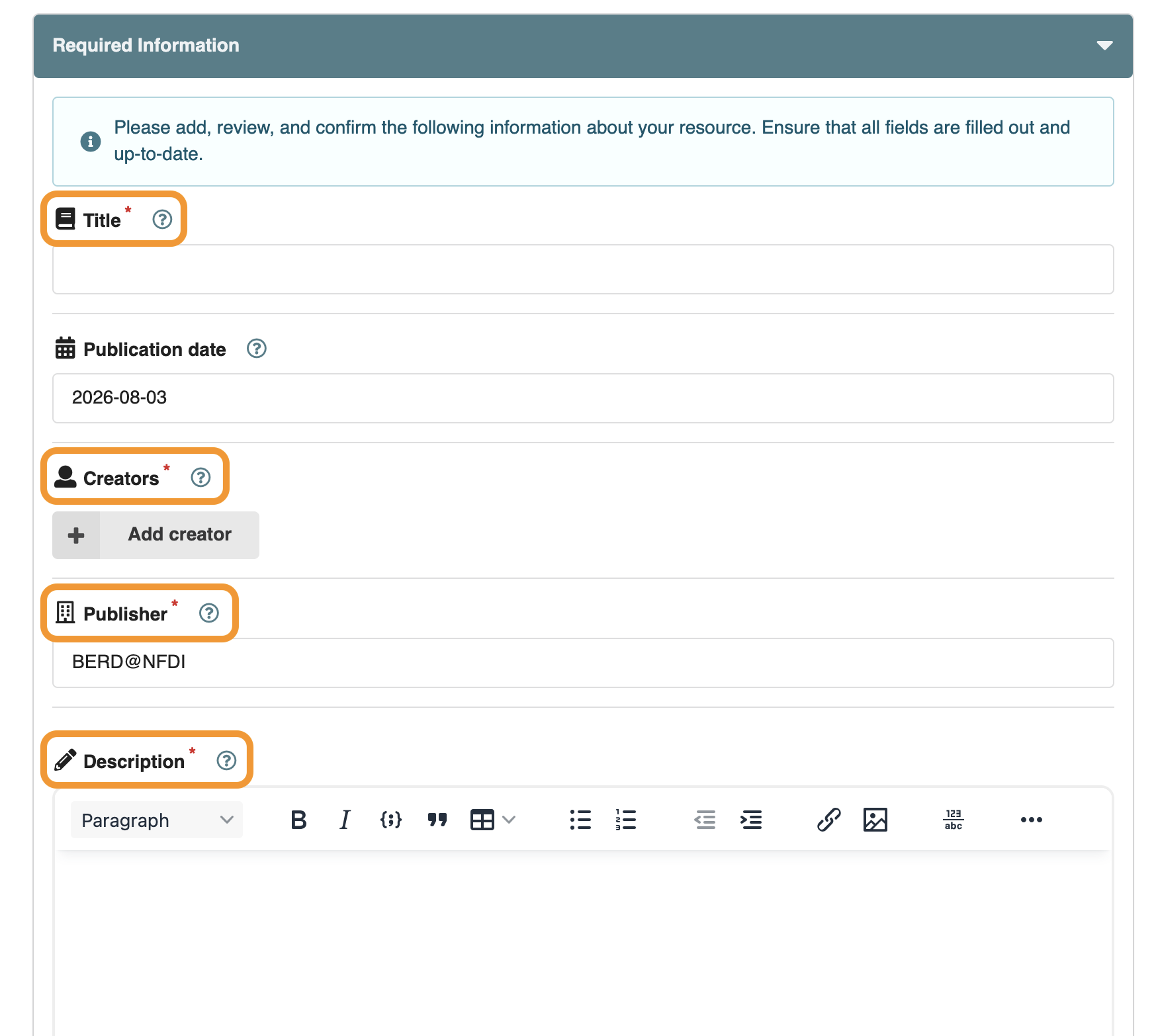
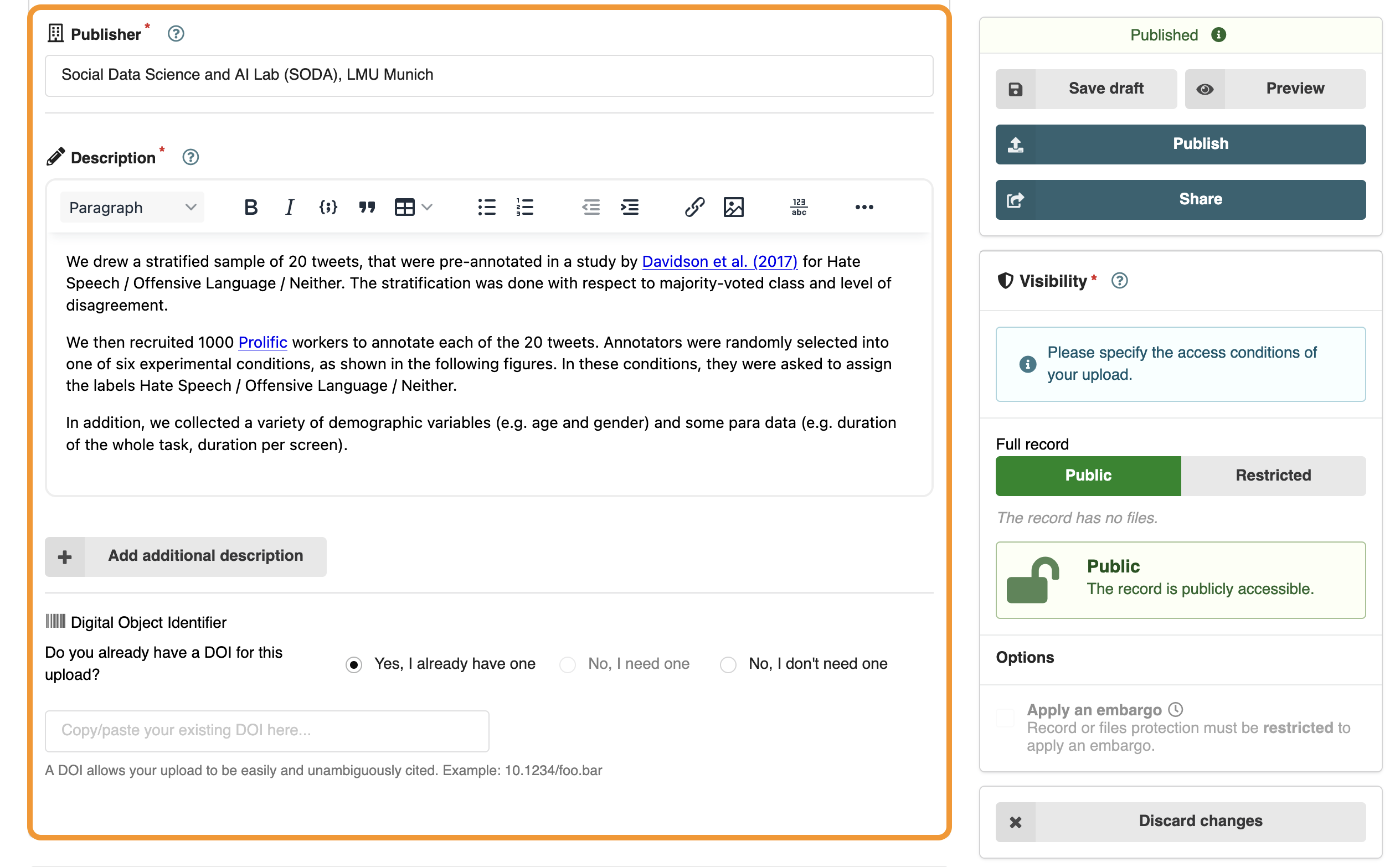
Fill out the required information about your dataset.
Required information are marked with an asterisk (*).
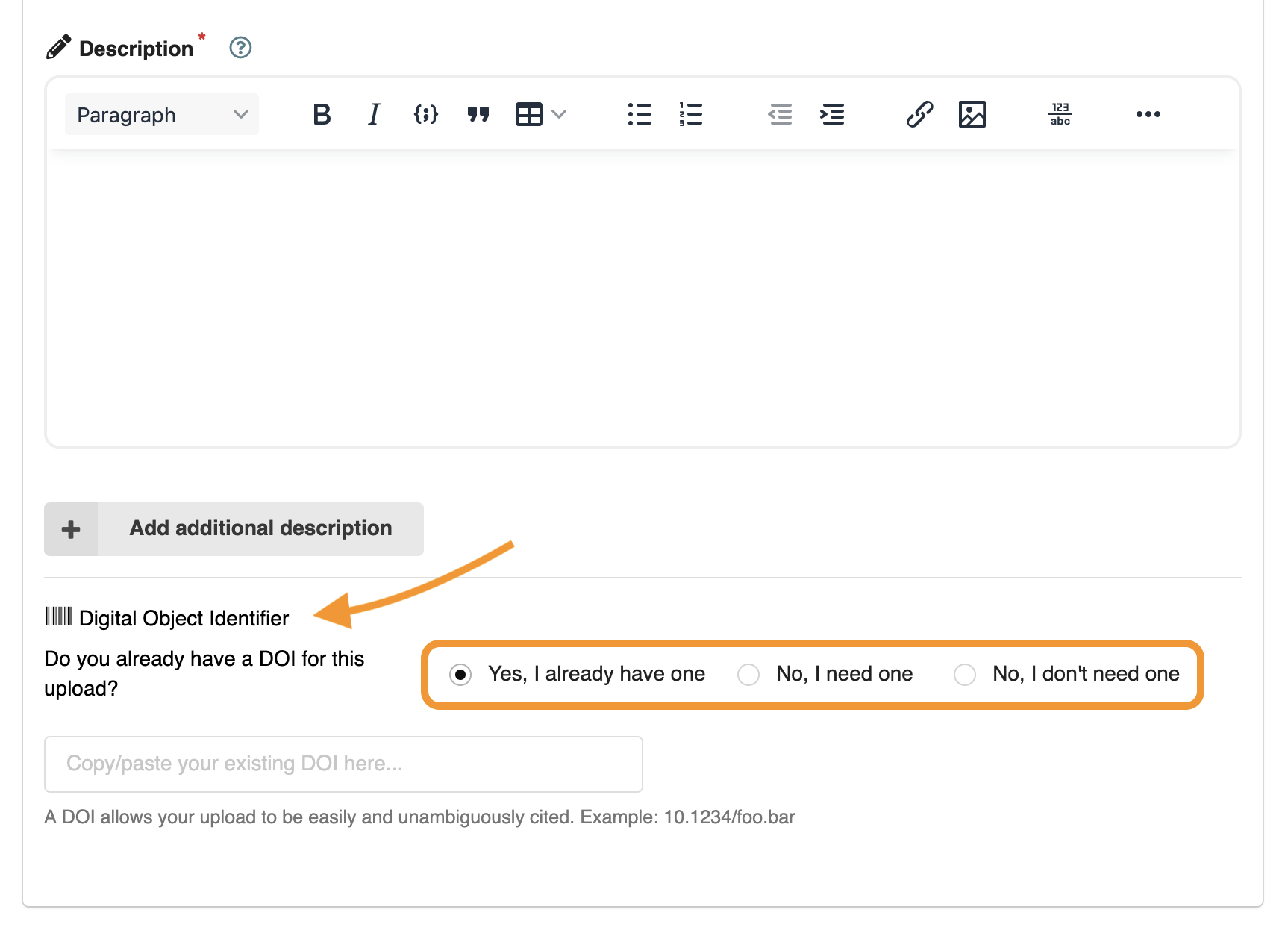
Create a new DOI, use an existing one, or proceed without one.
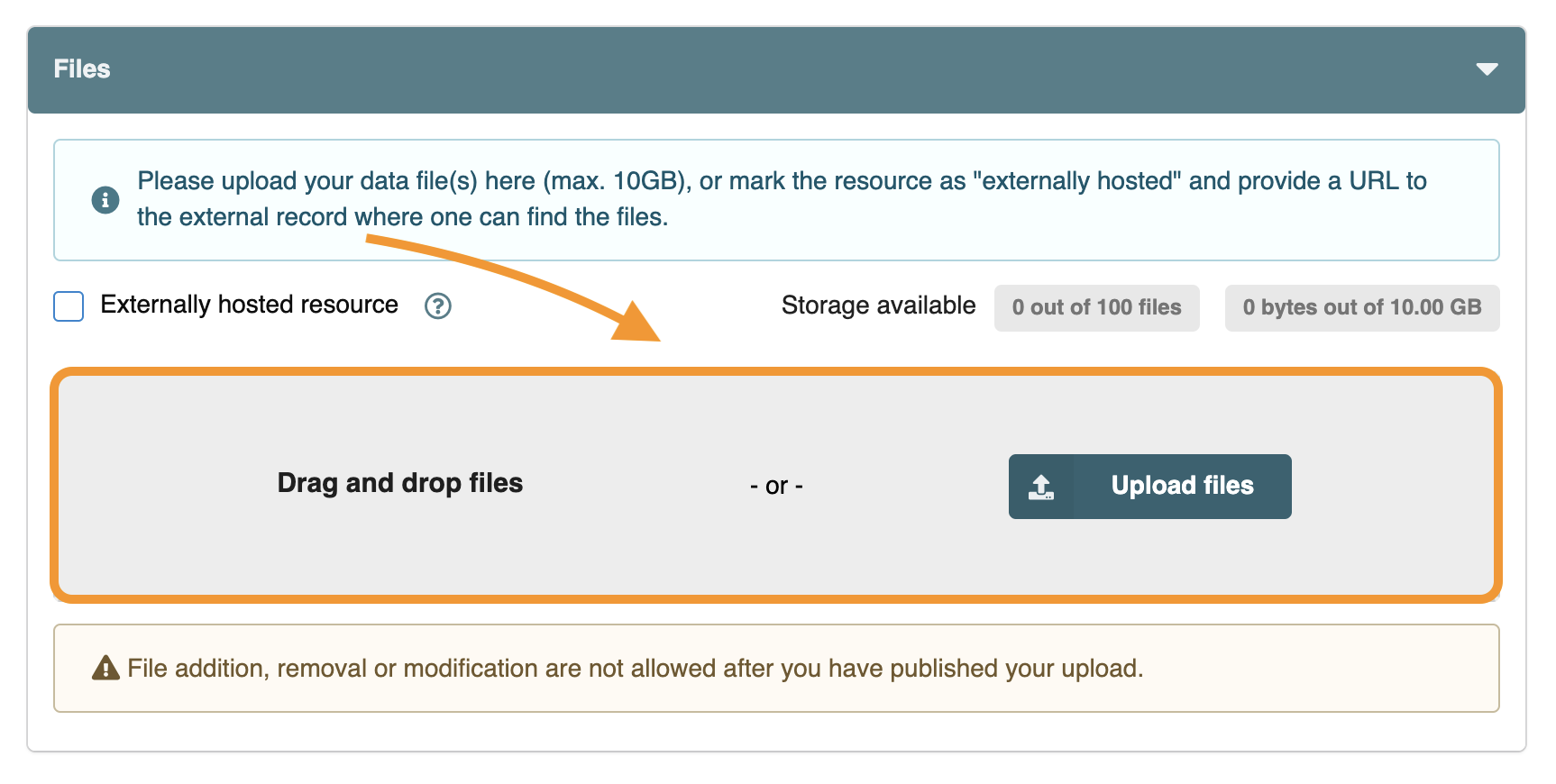
You can upload 100 files per record up to a total of 10 GB.
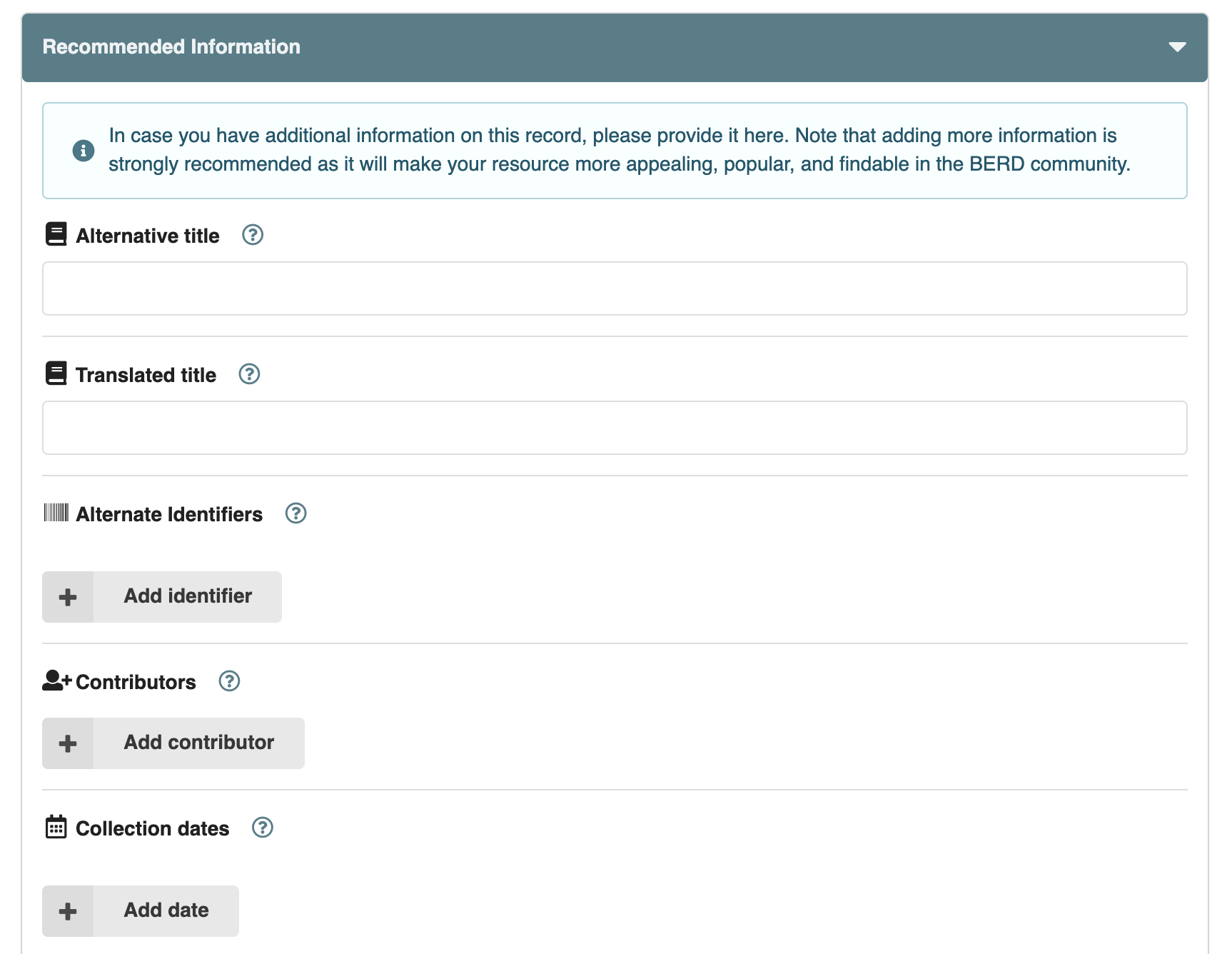
It is recommended that you provide additional metadata, as this will help make your dataset more FAIR (findable, accessible, interoperable, and reusable).
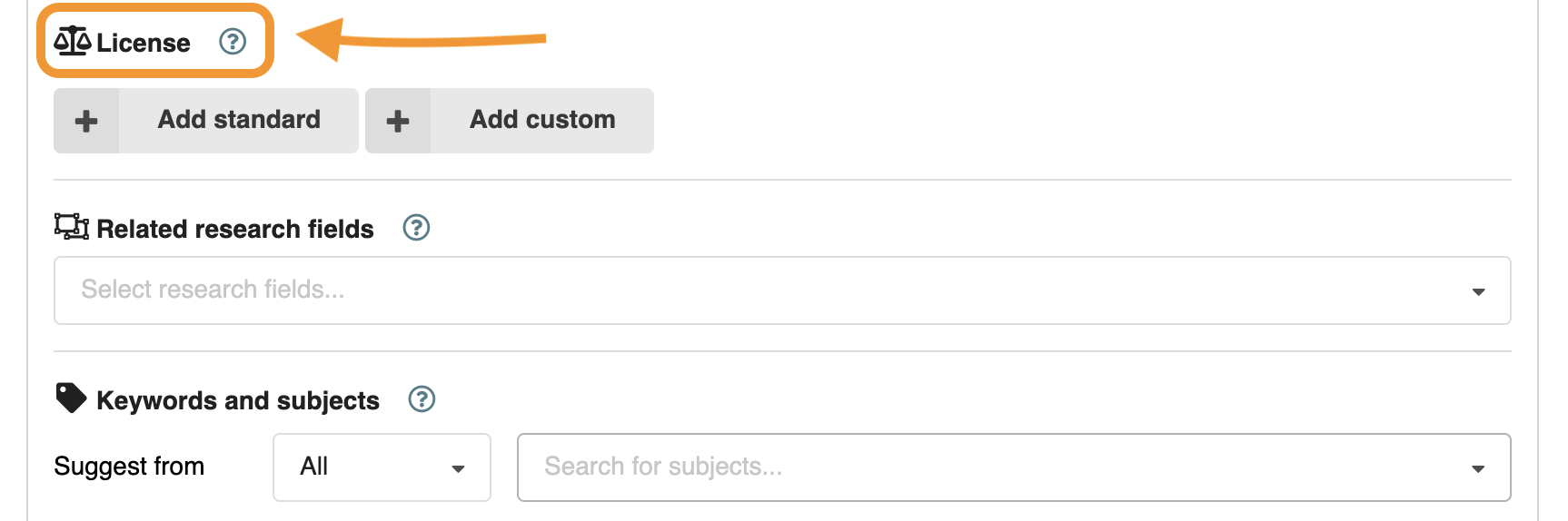
Choose a standard or custom license.
Licenses specify the conditions under which others may reuse your published Dataset. Standard licenses include, among others, Creative Commons Attribution 4.0 International (CC BY 4.0), Creative Commons Zero (CC0 1.0), and the MIT License. You may also specify a custom license.
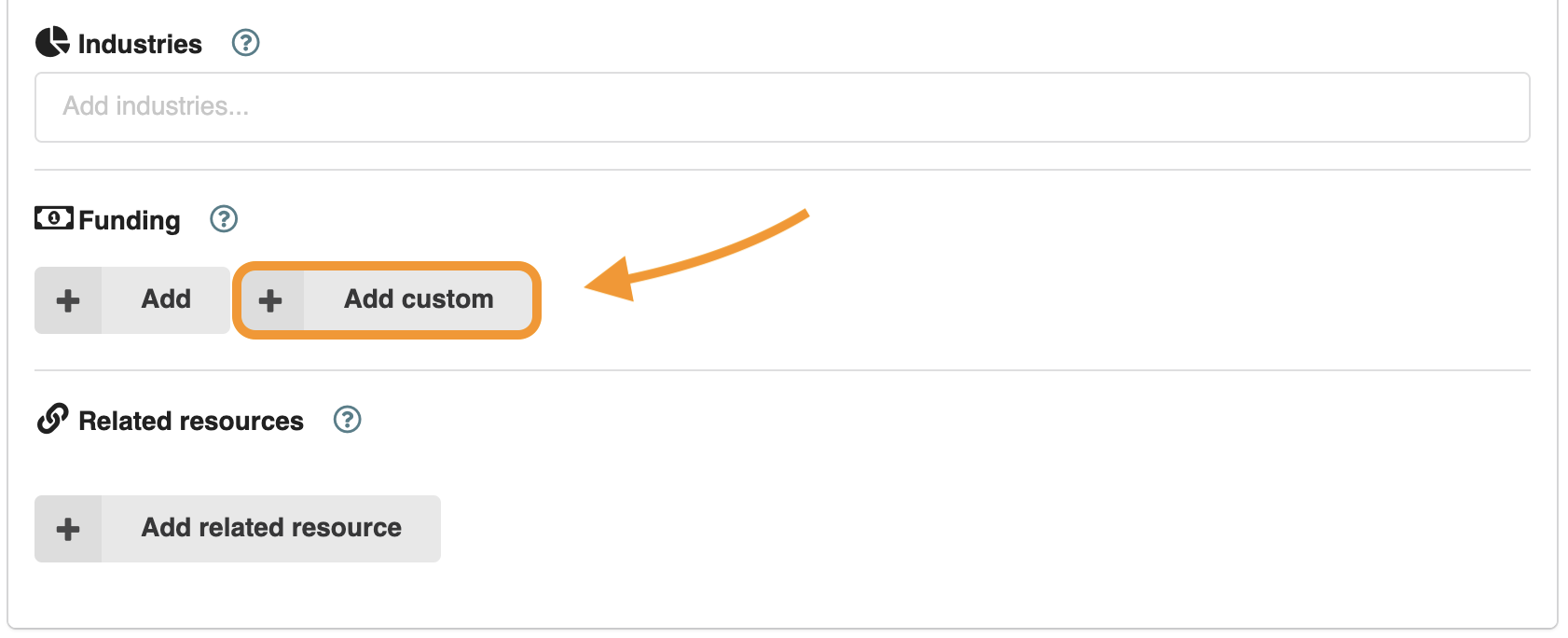
Add funding information to your dataset by clicking on the "Add custom" button.
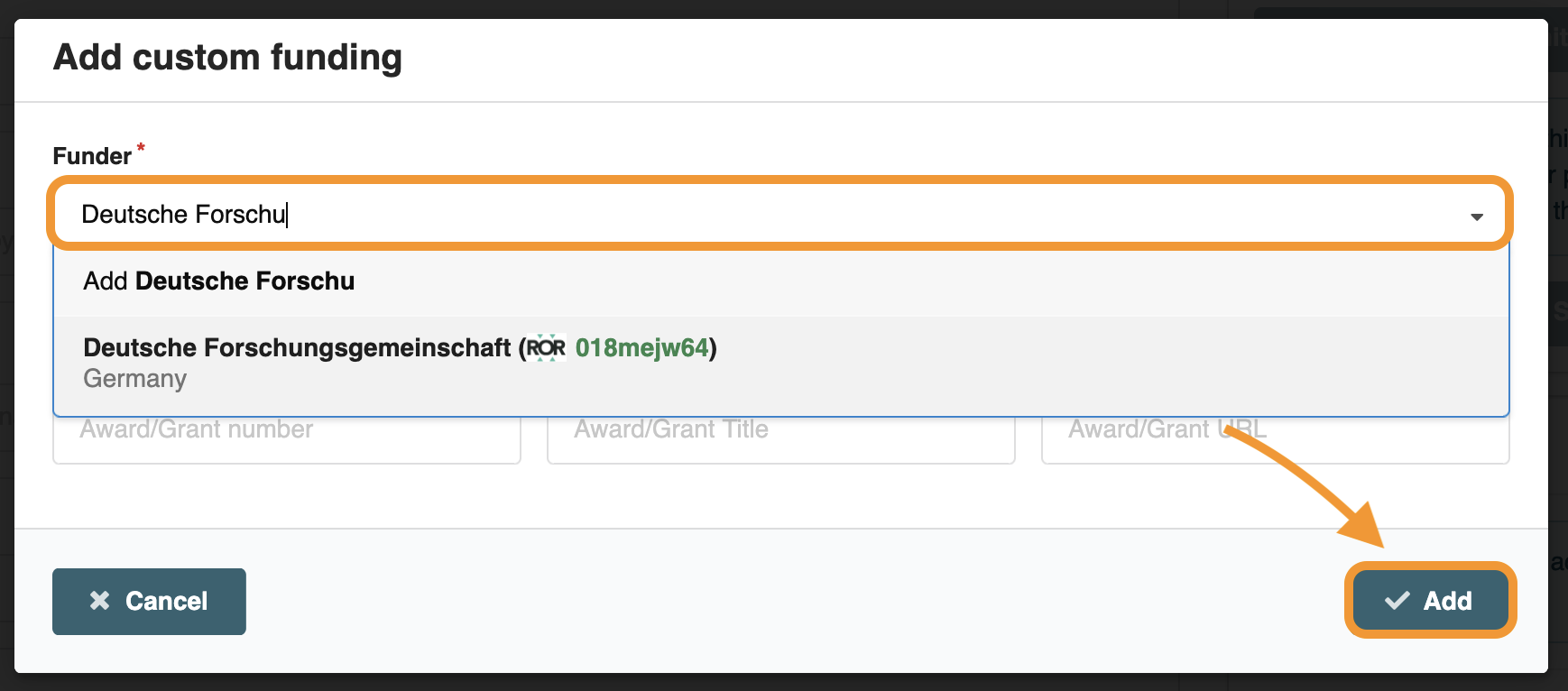
Search for and add a funding institution. You can optionally enter the details of your award or grant. Once finished, click the "Add" button.
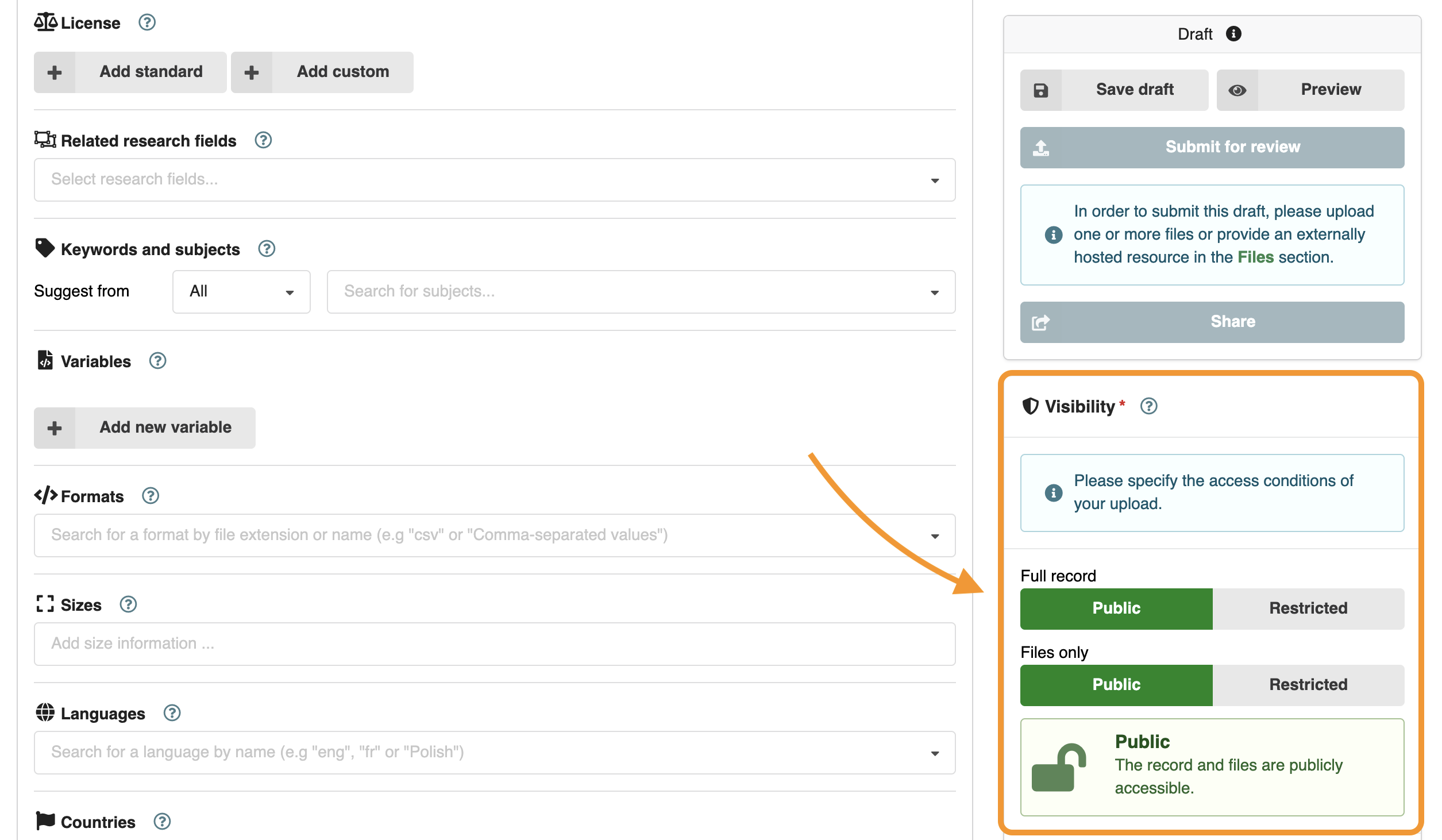
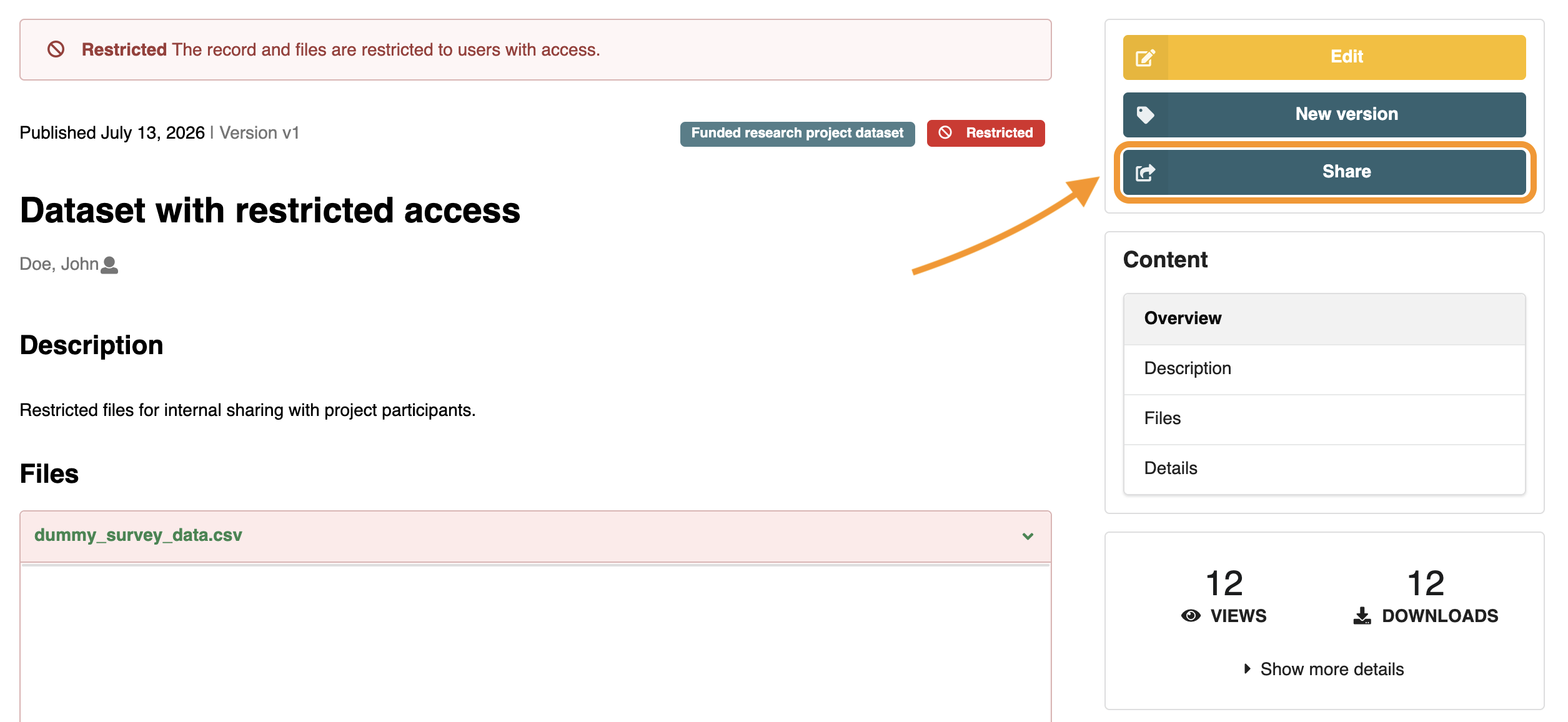
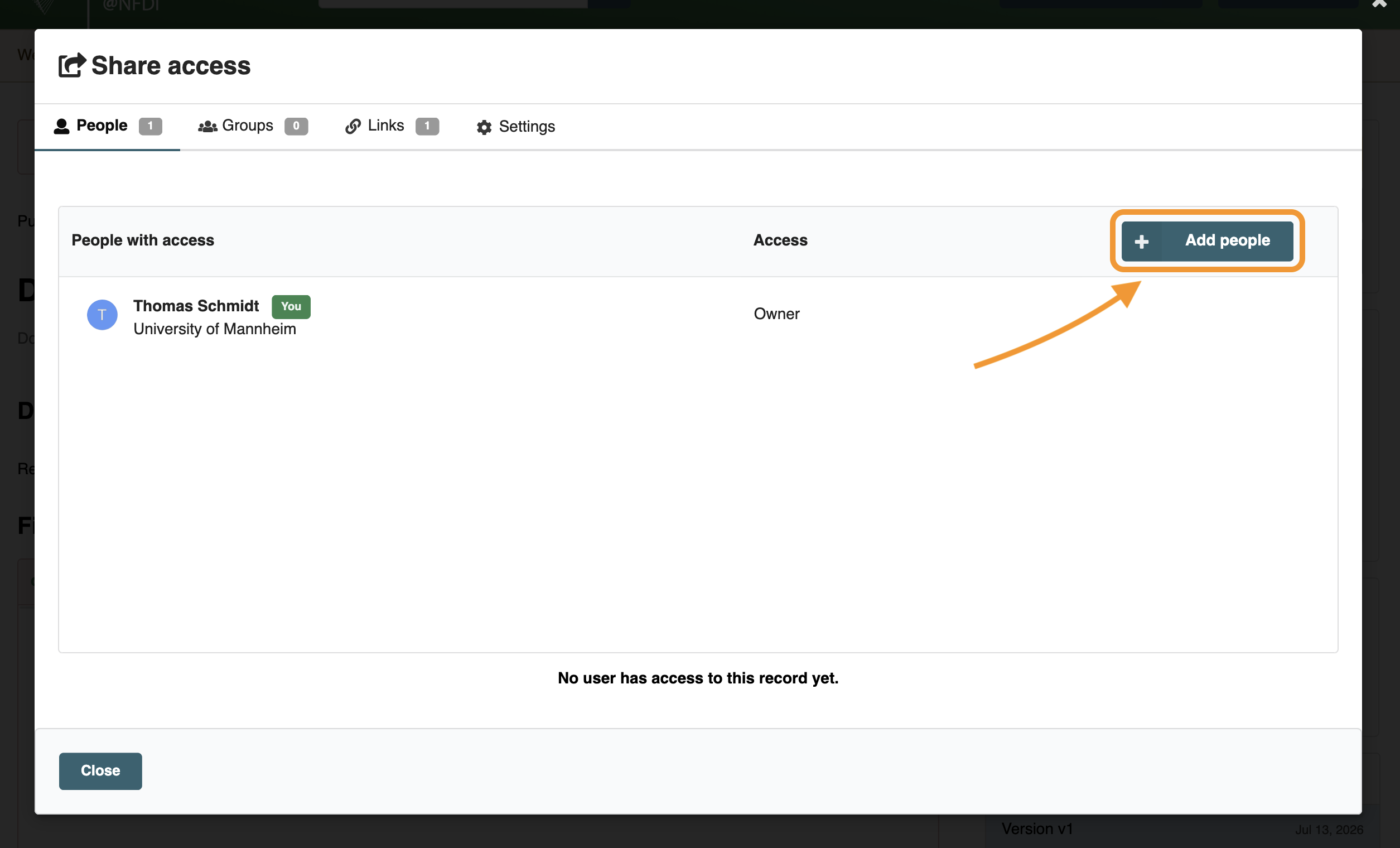
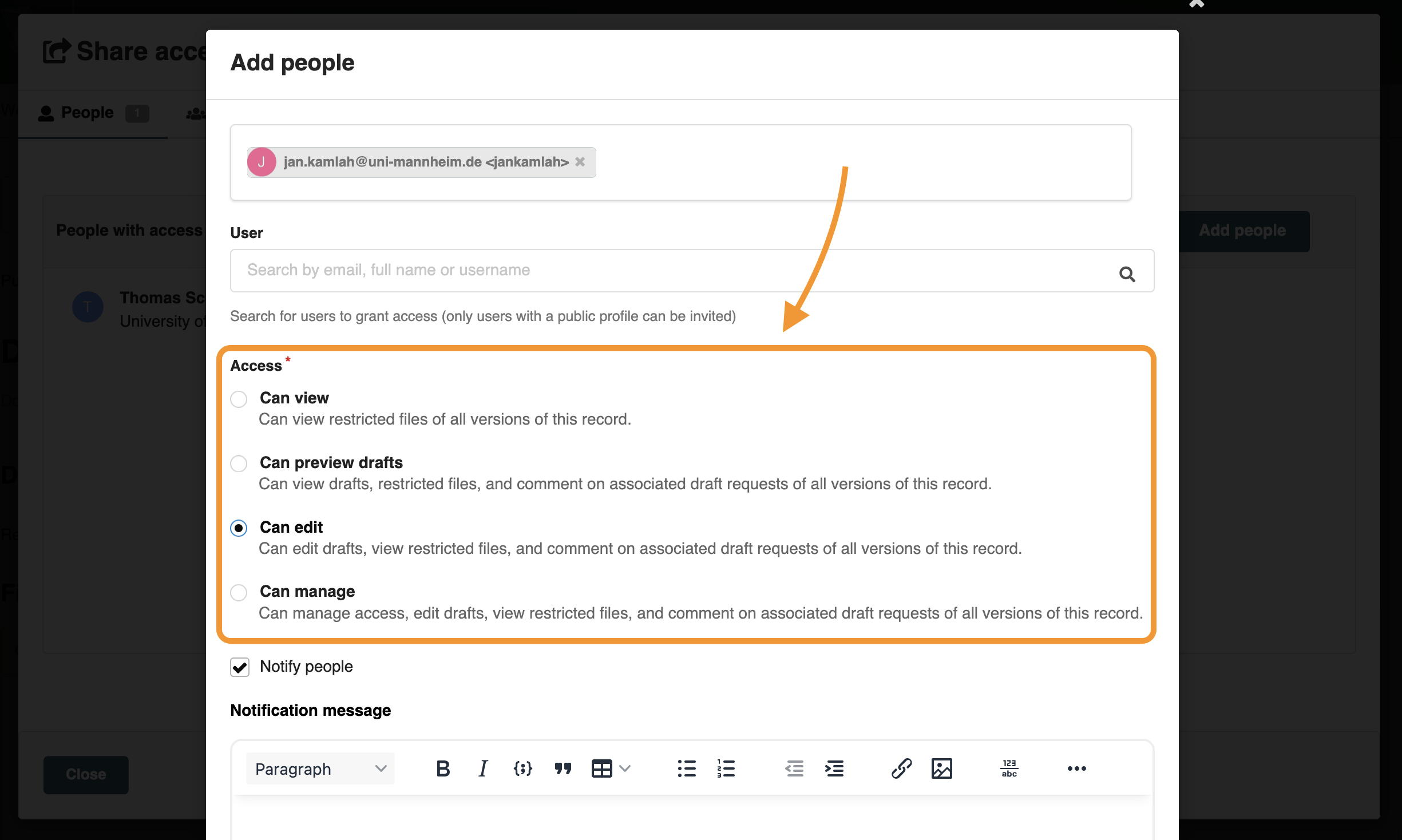
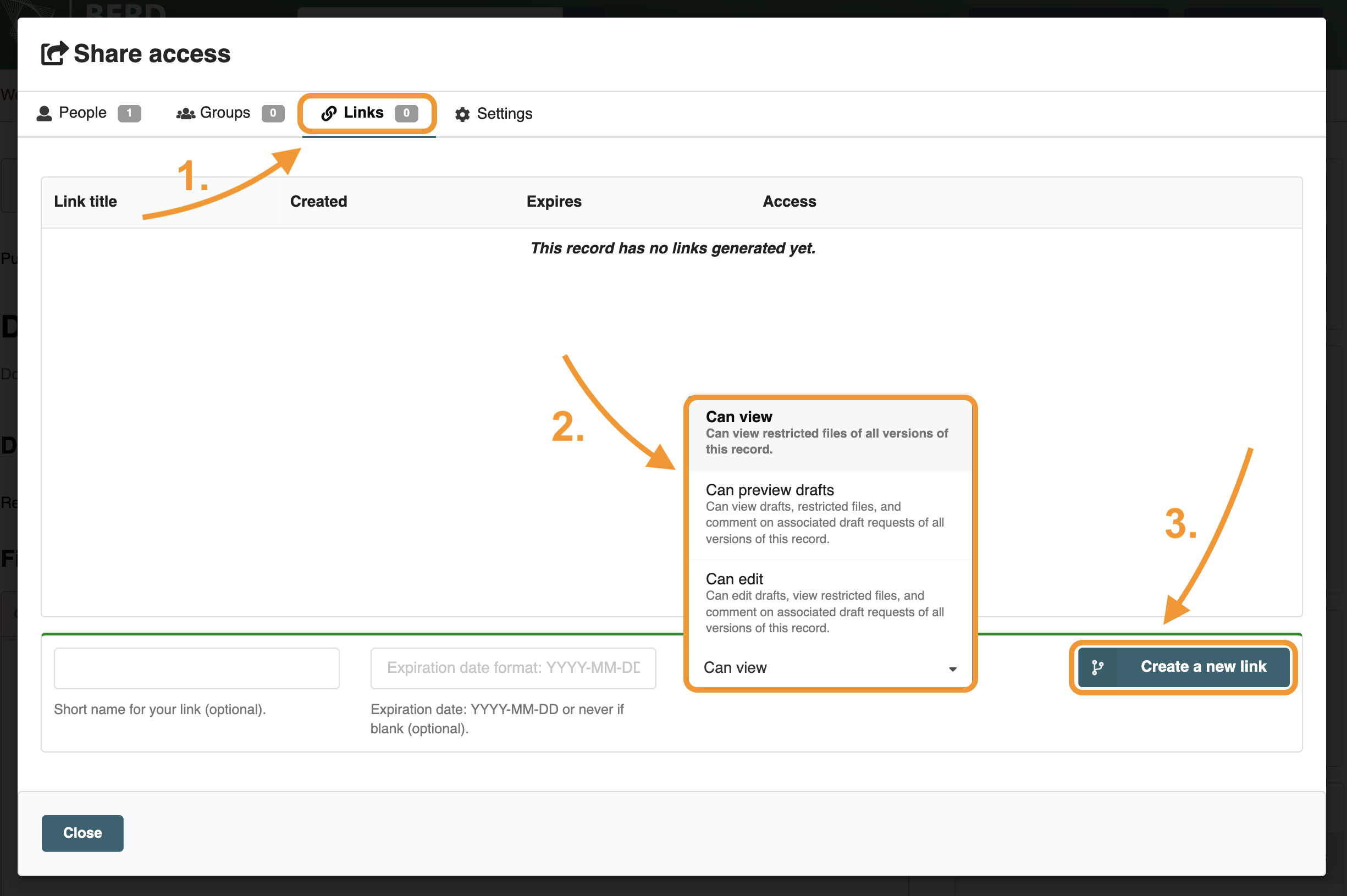
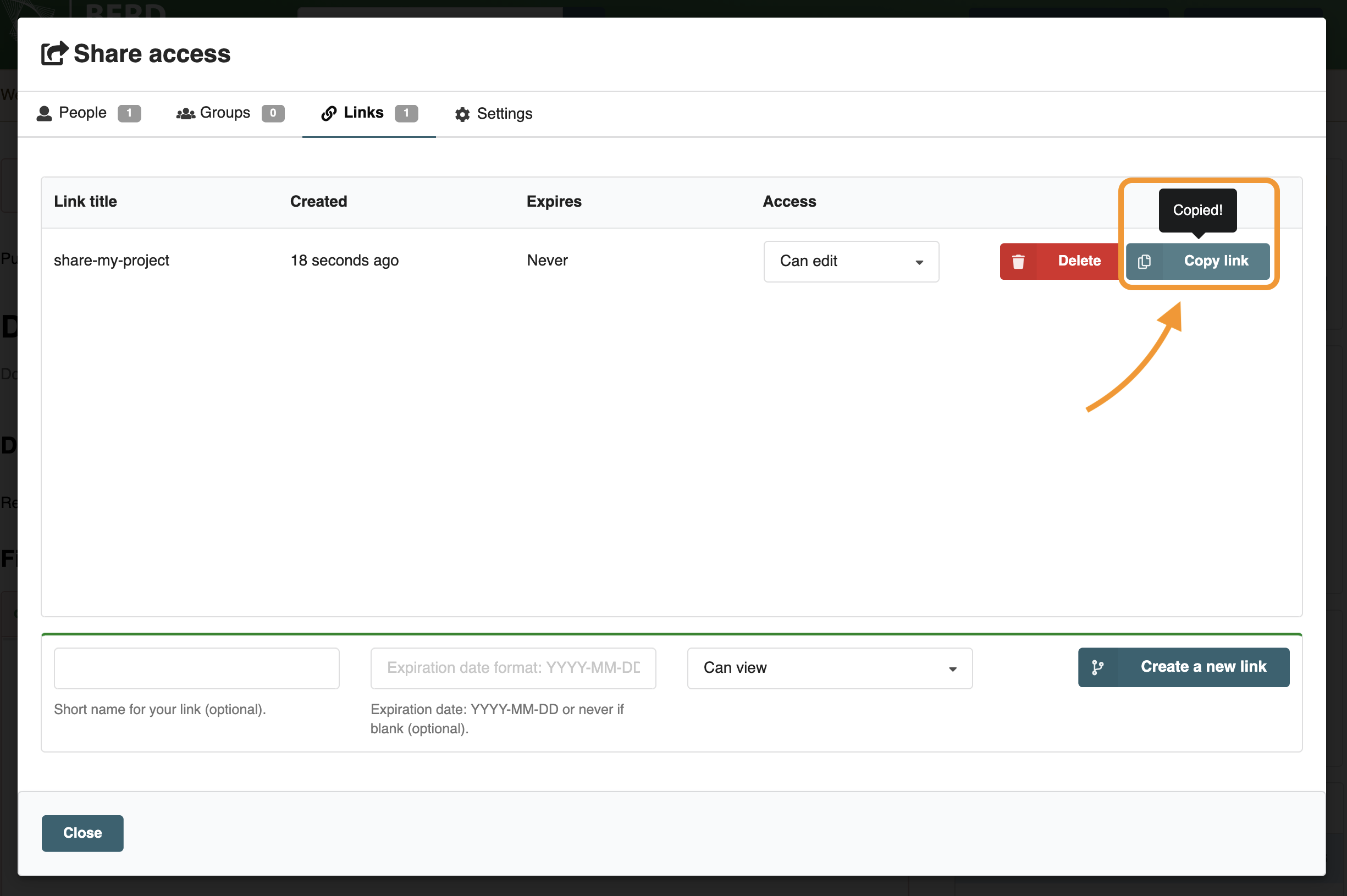
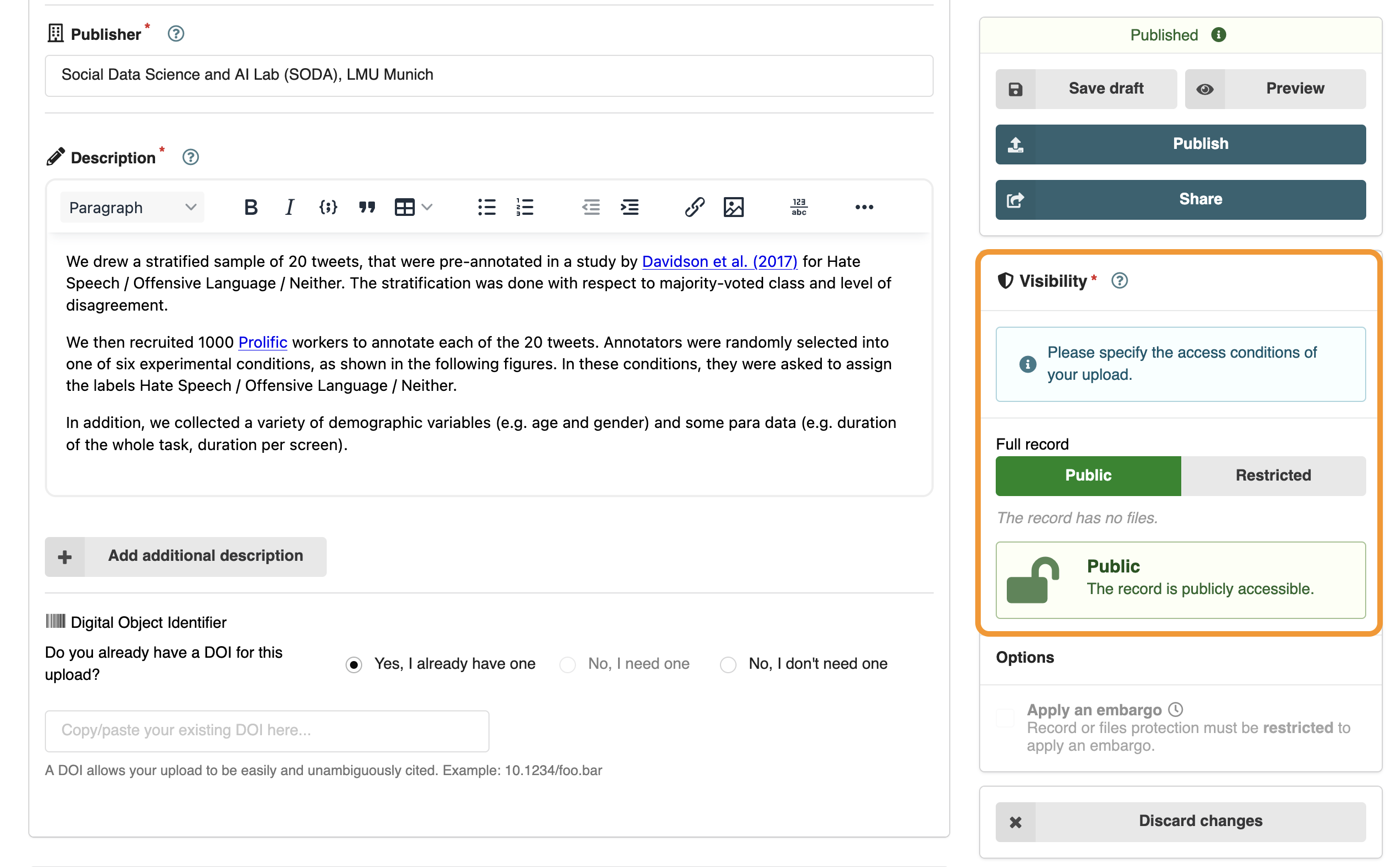
Control the visibility of your dataset.
Decide whether your dataset should be publicly accessible or restricted to you and your collaborators. The visibility of a dataset can be controlled at both the metadata level and the file level. By default, both levels are set to public.
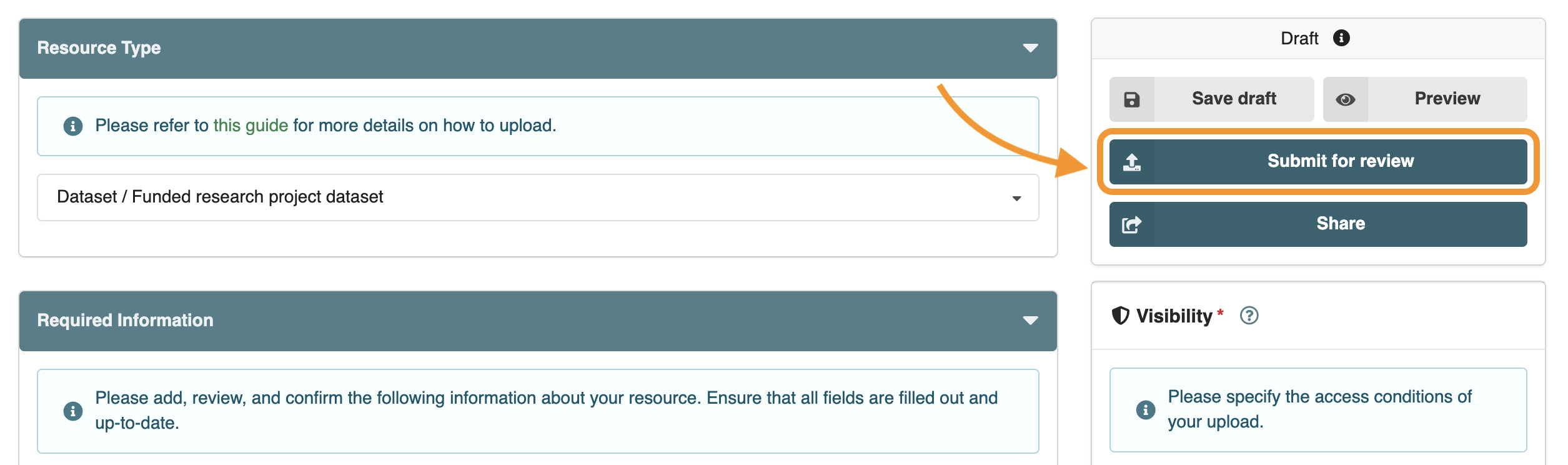
Submit your dataset for review.
Once submitted, the data curators will review your dataset and contact you if changes are required.
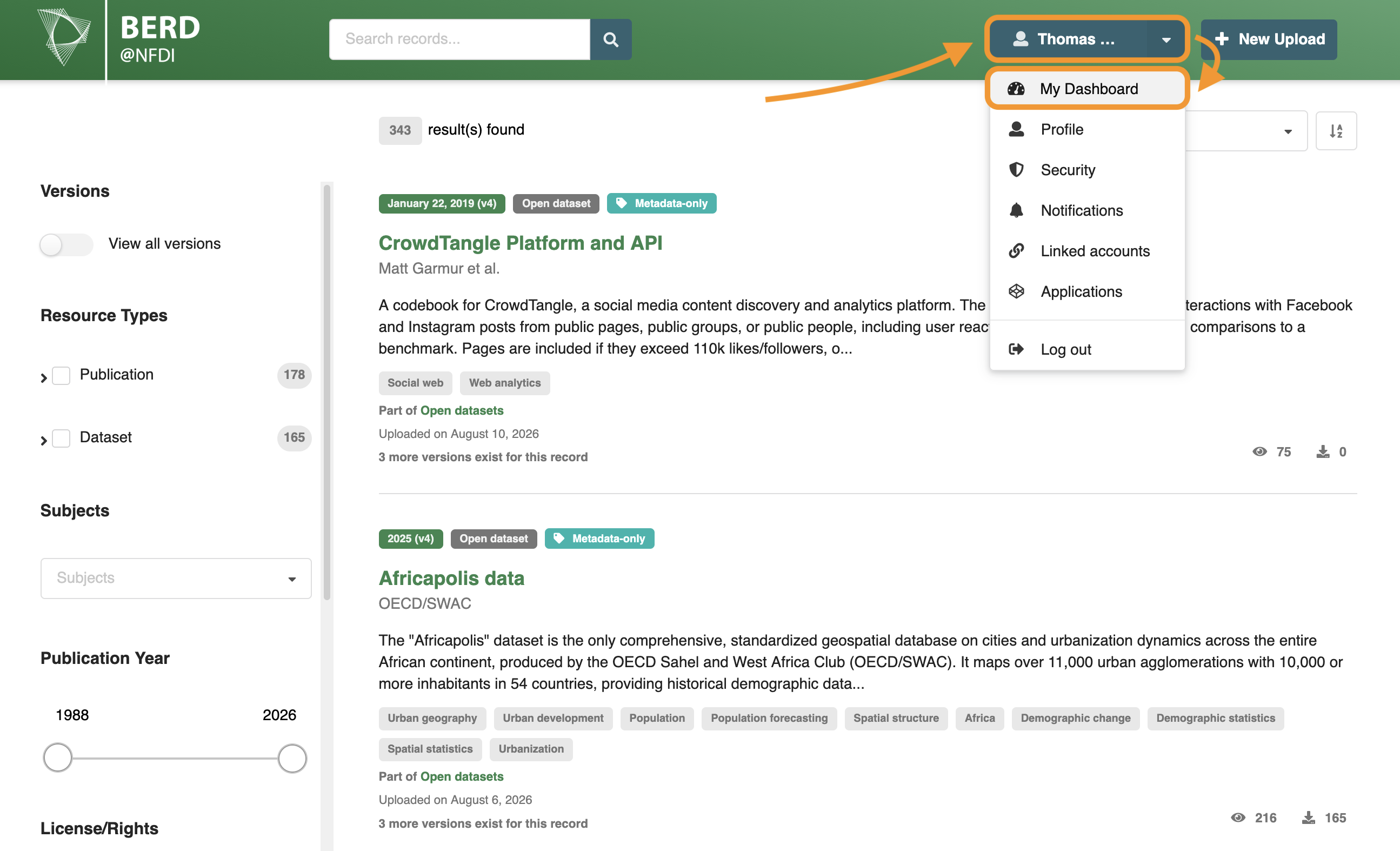
You can check the status of your submission on the 'Requests' page of your dashboard.
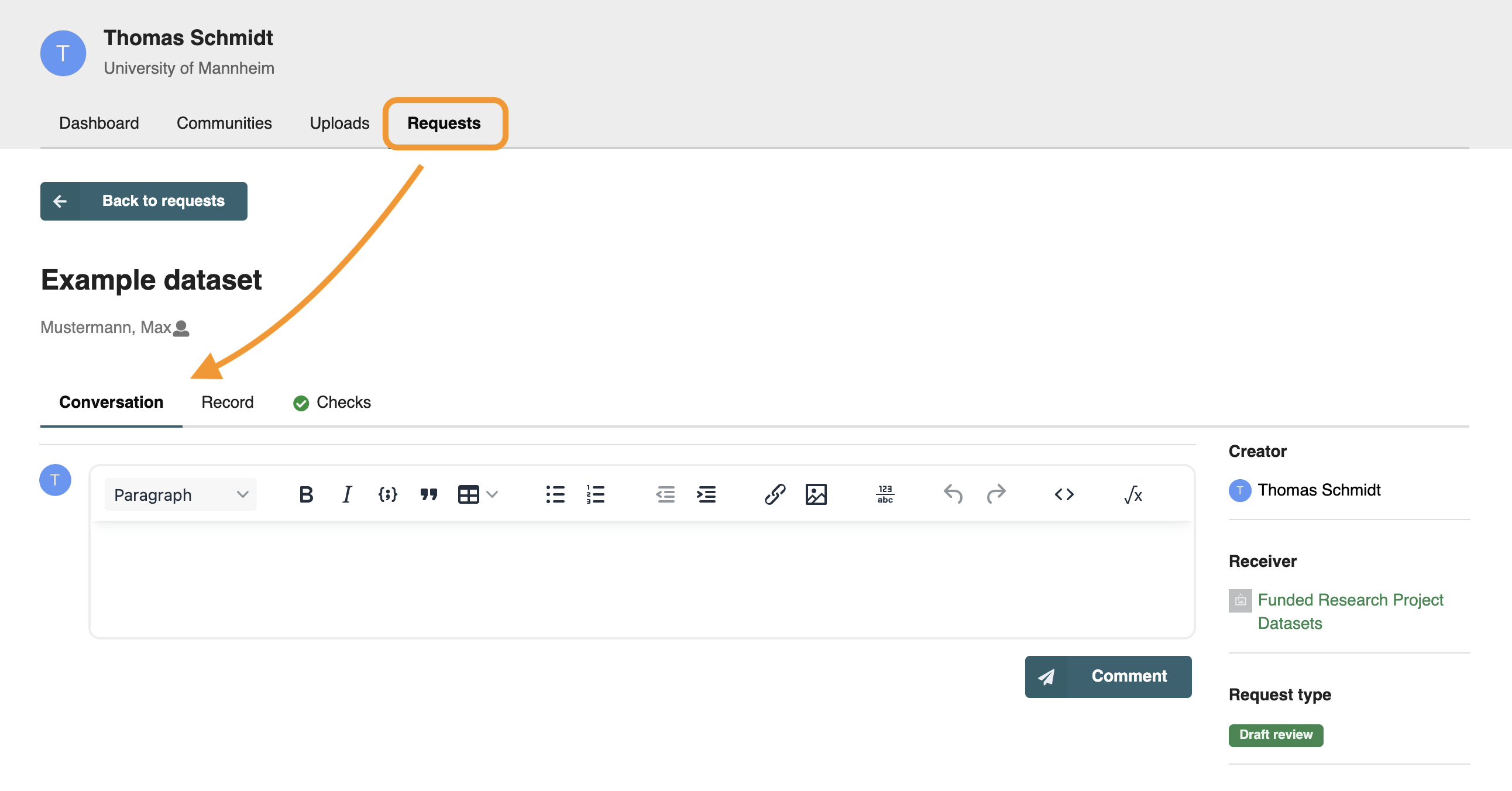
Your submission will be published once it has been reviewed.
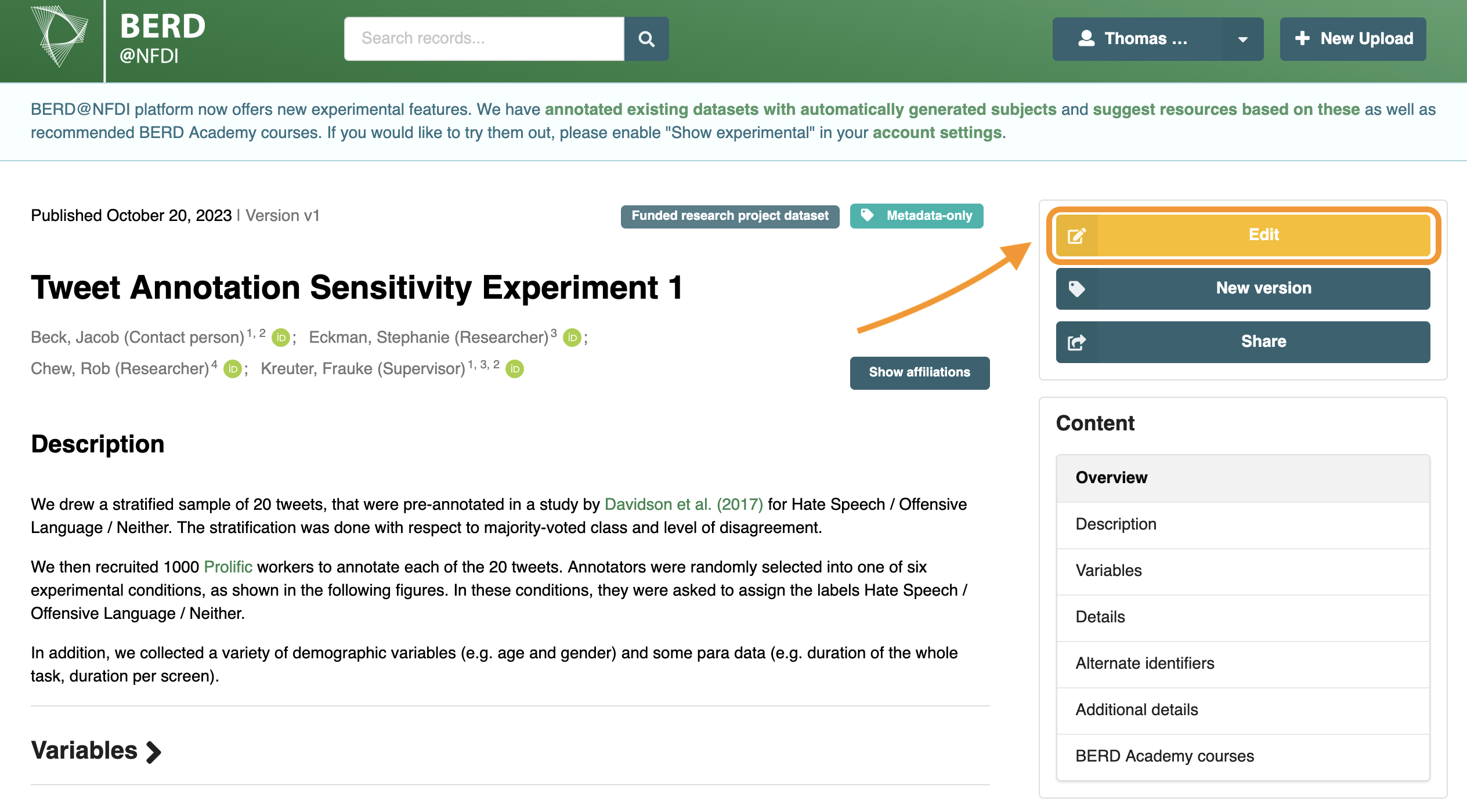
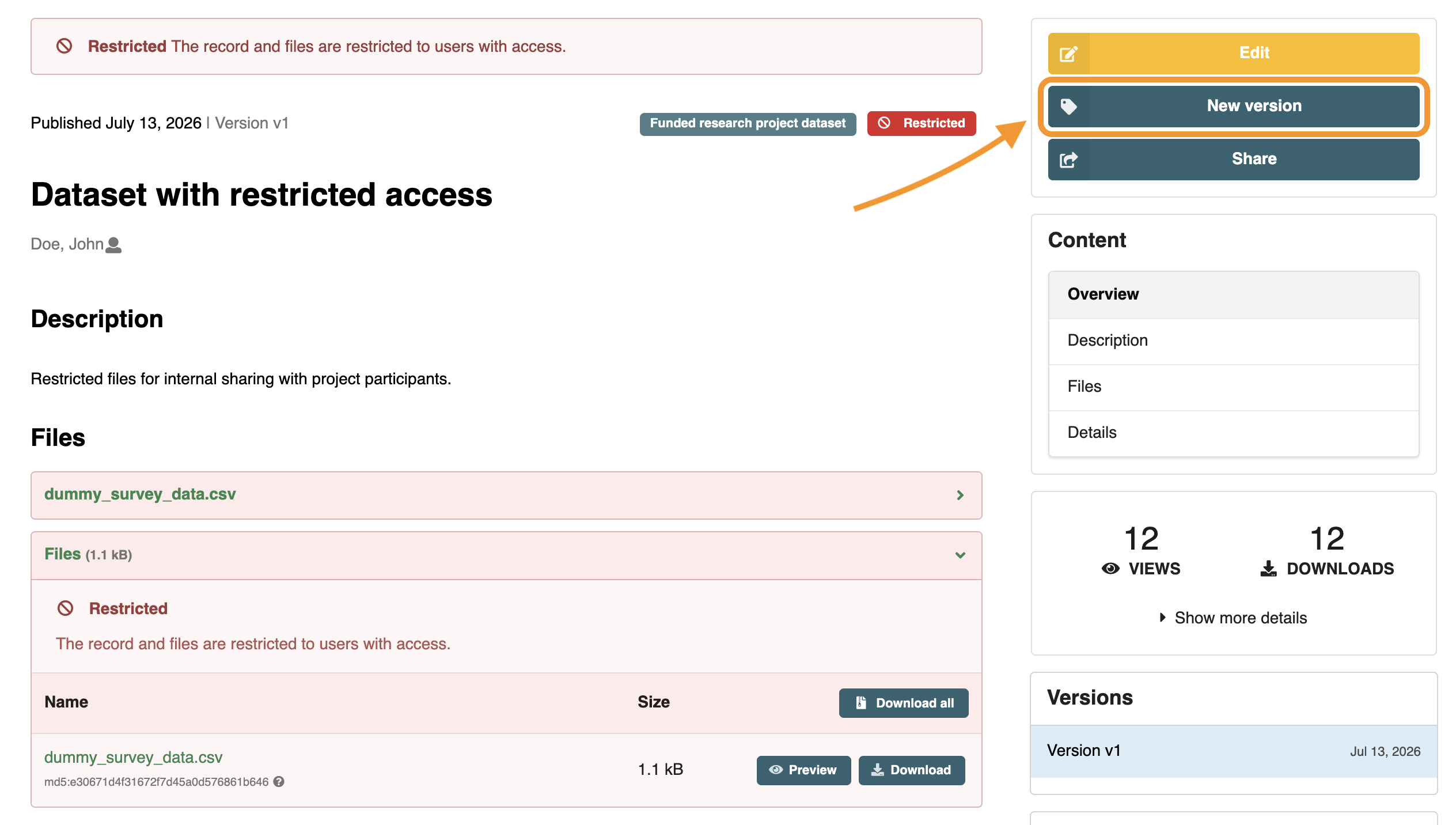
Create a "New Version" of your dataset if you want to add or remove files.
If you have previously created a DOI for your dataset, adding a new version will generate a new DOI.
This allows you to cite the specific version of your dataset.